GeoGebra Uygulamaları
Tüm cihazlar ve işletim sistemleri için mevcut olan Matematik ve Fen Bilimleri için ücretsiz hesap makinelerimizi ve uygulamalarımızı keşfedin. Hepsi bir arada Hesap Makinesi Paketimizi kullanmaya başlayın.
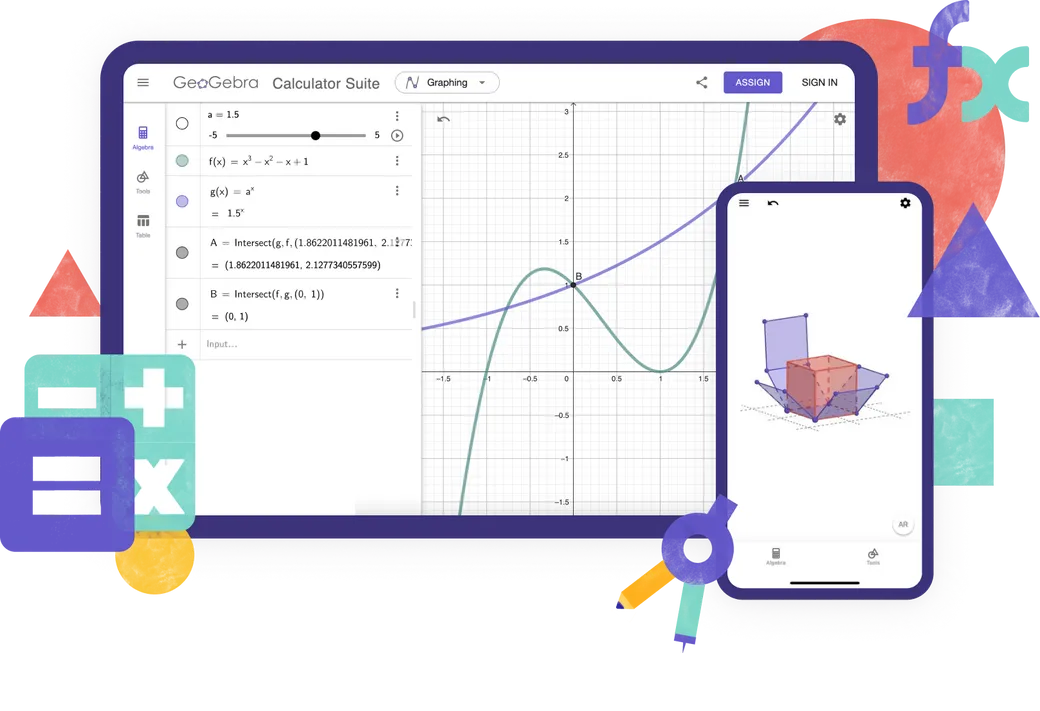
Hesap Makineleri
Online Öğrenme Uygulamaları
Mat Çözer
Matematik ödevinizin fotoğrafını çekin. Açıklamalı adım adım çözümlere sahip olun ve benzer problemleri çözün.

Not
Etkileşimli grafikler, slaytlar, resimler, videolar içeren ücretsiz çevrimiçi not alma uygulaması
Hangi Hesap Makinesini kullanmalıyım?

Özellikler
Hesap Paketi
Grafik Hesap Makinesi
Geometri
3D HesapMakinesi
CAS Hesap Makinesi
Bilimsel Hesap Makinesi
Sayısal Hesaplamalar
2D Grafik
Fonksiyonlar
Vektörler & Matrisler
Geometrik İnşalar
Değerler Tablosu
Hesap Tablosu
Sembolik Hesaplamalar
3D Grafik
Olasılık Hesap Makinesi
Gelişmiş GeoGebra kaynakları mı oluşturuyorsunuz?
Gelişmiş Özellikler için Klasik 5
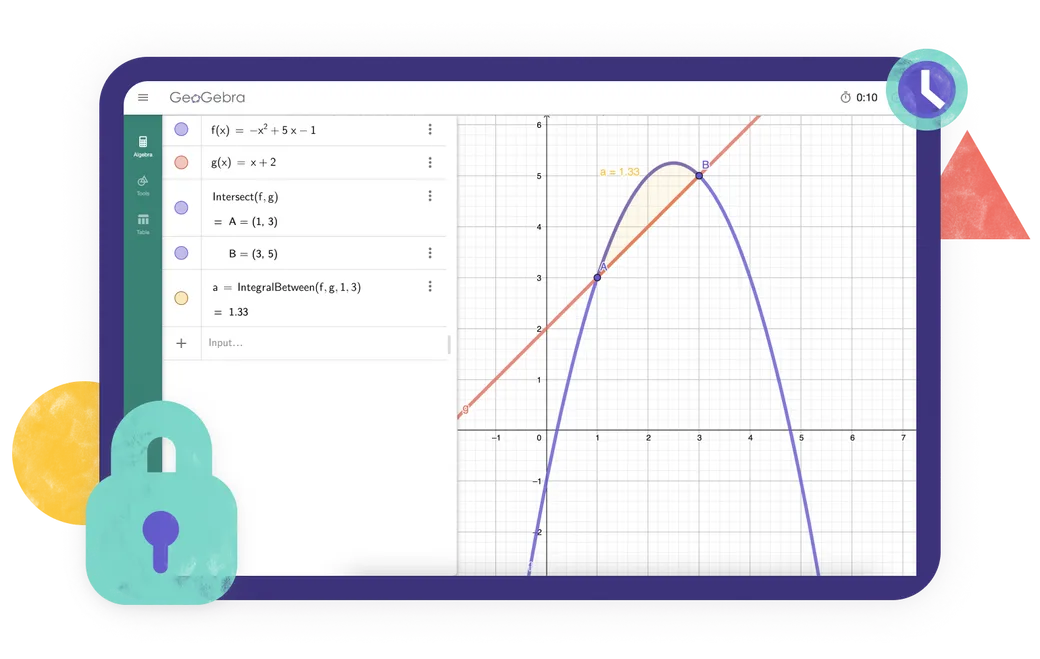
Testlerde GeoGebra
Bölgenizdeki sınav yönetmeliklerini karşılayan bir uygulama mı arıyorsunuz? İnternet ve diğer yazılımlara erişimi kısıtlarken, kağıt üzerinde yapılan sınavlar sırasında hem öğretmenler hem de öğrenciler için faydalı özellikler sunan çeşitli Sınav Modları sunuyoruz.
Sıkça sorulan sorular
Hangi GeoGebra uygulamasını kullanmalıyım?
Çoğu öğretmen ve öğrenci için GeoGebra Hesap Paketi'ni öneriyoruz. Bu uygulama; cebir, analiz, geometri, 3D grafik çizimi, olasılık ve sembolik hesaplamalara yönelik araçları tek bir pakette birleştirir; ayrıca farklı cihaz ve platformlarda sorunsuz çalışır. Okulunuzun veya sınav kurallarınızın daha sınırlı sayıda araç kullanımını gerektirdiği durumlarda, bunun yerine özel olarak hazırlanmış diğer hesap makinesi uygulamalarımızdan birini tercih edebilirsiniz. Gelişmiş GeoGebra kaynakları oluşturmak istiyorsanız, GeoGebra Klasik 5 sürümü size ek içerik hazırlama araçları sunar.
GeoGebra Hesap Paketi ile GeoGebra Klasik arasındaki fark nedir?
Hesap Paketi ve Klasik, matematik araçlarının birçoğunu ortak olarak barındırsa da tamamen aynı değildir. Hesap Paketi, çoğu öğretmen ve öğrenci için önerdiğimiz uygulamadır. Cihazlar ve platformlar genelinde tutarlı bir şekilde çalışan modern bir arayüze sahip olması, onu özellikle öğrencilerin farklı cihazlar kullandığı sınıflar için uygun kılar. Klasik ise geleneksel GeoGebra arayüzünü kullanır ve ileri düzey kullanıcılar ile kaynak hazırlayanlar için ek seçenekler sunar.
GeoGebra uygulamaları ücretsiz mi?
GeoGebra uygulamaları ticari olmayan kullanım için ücretsiz olup, öğretmenler ve öğrenciler tarafından okulda, üniversitede veya evde öğrenme ve öğretme amacıyla kullanılabilir. Ticari kullanım için ayrı bir lisans gereklidir. Kullanım amacınızın ticari olup olmadığından emin değilseniz, lütfen GeoGebra ortaklıklar ekibi ile iletişime geçin.
GeoGebra mobil cihazlarda kullanılabilir mi?
Evet. GeoGebra Hesap Paketi; telefonlar, tabletler ve masaüstü bilgisayarlar için mevcuttur. Arayüz, cihazınızın ekran boyutuna göre uyarlanır. Telefon veya tabletlerde en iyi deneyimi yaşamak için uygulamayı yükleyin.
GeoGebra'yı nasıl indirip kurabilirim?
GeoGebra indirme sayfasından dilediğiniz uygulamayı seçin. Uygulamayı doğrudan indirebilir veya cihazınıza uygun, uygulama mağazasını açabilirsiniz. Cihazınızın ya da App Store / Play Store'un sunduğu kurulum talimatlarını izleyin. Ayrıca PWA (Aşamalı Web Uygulaması) desteğimiz de mevcuttur; uygulamayı tarayıcınızda açtığınızda hemen indirebilirsiniz.
GeoGebra'yı internet bağlantısı olmadan kullanabilir miyim?
Bir GeoGebra uygulamasını indirip yükledikten sonra, temel matematik araçlarını internet bağlantısı olmadan kullanabilirsiniz. Ancak çevrimiçi kaynaklarda arama yapmak, GeoGebra hesabınızda oturum açmak ya da çalışmalarınızı çevrimiçi ortamda kaydetmek ve paylaşmak için internet bağlantısına ihtiyaç duyarsınız. İnternet bağlantınızın olmadığı durumlarda ise çalışmalarınızı cihazınıza kaydedebilirsiniz.
GeoGebra uygulamalarını kullanmak için bir hesaba ihtiyacım var mı?
Hayır. GeoGebra uygulamalarını bir hesap oluşturmadan kullanabilir ve çalışmalarınızı yerel olarak cihazınıza kaydedebilirsiniz. Bir hesap yalnızca çalışmalarınızı çevrim içi kaydetmek, bunlara farklı cihazlardan erişmek veya hesap gerektiren diğer özellikleri kullanmak istediğiniz durumlarda gereklidir.
Sınav modu nedir?
Sınav modu, öğrencilerin test ve sınavlarda GeoGebra kullanmalarına olanak tanırken; internete, kayıtlı dosyalara ve diğer uygulamalara erişimi kısıtlar. Tam ekran modunda çalışan bu sistem, öğrencinin sınav modundan çıkması durumunda belirgin bir görsel uyarı verir. Sınav günlüğü (log kaydı), öğretmenlerin oturum sırasında neler yaşandığını kontrol etmelerine yardımcı olur. GeoGebra ayrıca, desteklenen sınav düzenlerinde Safe Exam Browser (Güvenli Sınav Tarayıcısı) ile birlikte de kullanılabilir. Daha fazla bilgi için resmi belgeler sayfamızı ziyaret edin.
GeoGebra Klasik gelecekte desteklenmeye devam edecek mi?
Evet. Birçok kişinin hâlâ GeoGebra Klasik'i kullandığını ve ona değer verdiğini biliyoruz; bu nedenle uygulamanın çalışmaya devam etmesini sağlamayı sürdüreceğiz. Bununla birlikte, yeni kullanıcılara GeoGebra Hesap Paketi'ni öneriyoruz; çünkü güncel uygulamamız budur ve tüm cihaz ve platformlarda tutarlı bir şekilde çalışır. Halihazırda Klasik kullananlar uygulamayı kullanmaya devam edebilirler, ancak dilerlerse Hesap Paketi'ne geçmeyi de düşünebilirler.

Kurulum Seçenekleri
Windows, macOS, Linux ve daha fazlası için tüm kurulum dosyalarının eksiksiz koleksiyonu.

GeoGebra Uygulamalarını Yerleştirme
GeoGebra Uygulamalarını web sitenize yerleştirme hakkında bilmeniz gereken her şey.

JavaScript API
Bu sayfa, GeoGebra ile JavaScript aracılığıyla etkileşim kurmak için GeoGebra API'yi açıklamaktadır