AR Instructions
- Install GeoGebra 3D Calculator on your ARCore supported device
- Open one of the next pages that contains a 3D model with your mobile device
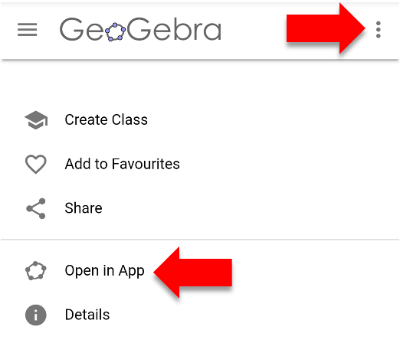
- As shown in the image, open the model in the app via the menu
- Start AR mode with the AR button in the corner
- Follow the instructions to put the model on a surface