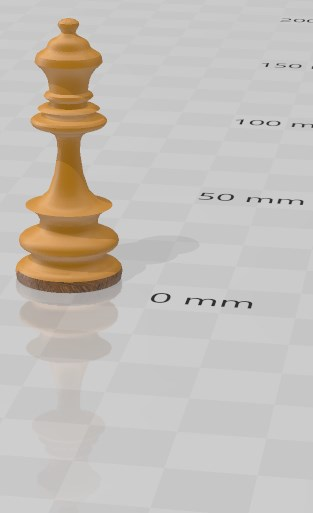
Bezier-Spline Schachfigur Dame
short protocol to process the shape points
Quick adaption
Select all points together A2...A20+B1..B18+C1..C18 [AlgebraView] and move away from the figure
Select a curve point Ann add control points Bnn + Cnn [hold Ctrl + Click] move to the edge of the figure and adjust incoming (green) and outgoing (red) part of curve...
Make a new Spline
Copy the points of figure shape to list of points Fig.
Execute(MKXY) → transfer points to spreadsheet variables A1...An
Execute(MKCA)→ generate control points and copy to spreadsheet variables B1...Bn
Execute(MKCB) → generate control points and copy to spreadsheet variables C1...Cn
Execute(MKBCurve) → generate Cubic Bezier-Parameter-Splines c2....cn-1
Adjust Bezier-Curves to Fig shape by control points
it may take some work to find the appropriate control point settings to map the figure
Execute(MKSurface) → MKFig script to make surface shape (rotate 2pi by yAxis adjust 4 other axis)
Execute(MKFig) → generate surface mapping figur b,c,d,... (adjust colors, grid lines, labes, show objects eg.)
Mulltiple selection of AlgebraView objects [hold Shift klick first-klick last].
Click a Fig point to show handles of control points.
Zoom In/Out (scroll mouse wheel) to handle details.
working example
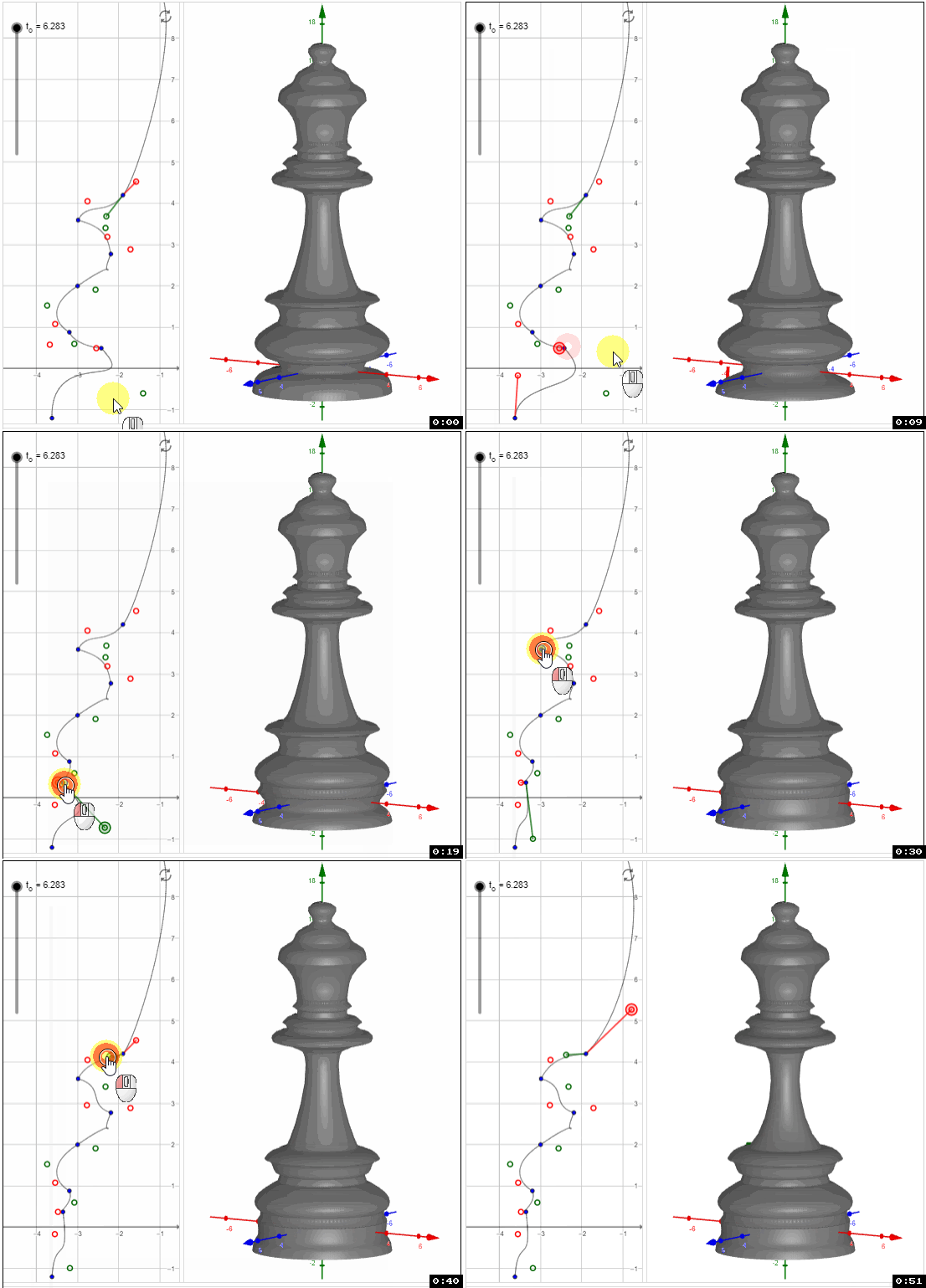
Adjust shape to a new figure
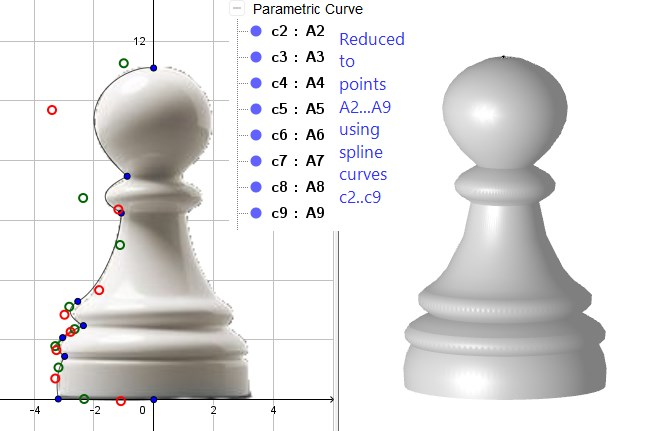
STL Export (Classic 6.x) and prettified in 3D Builder - ready for 3D-Print